Direct GPU rendering
Built on egui and wgpu with DirectX 12, DirectX 11 and Vulkan support. Decoded frames stream straight to GPU textures, and the GPU handles sampling and scaling in real time.
OPEN TO SELECT CONVERSATIONS
// GARAGE / AIRMEDIA
A full media player that barely weighs anything.
AirMedia brings the rich feature set of VLC to a binary under 13 MB. Written in Rust, it starts in milliseconds and hands video decoding and presentation to the GPU, so your CPU stays out of the way.
// POWER UNIT
Decoding, scaling and presentation run on the graphics hardware wherever it can do the job.
Built on egui and wgpu with DirectX 12, DirectX 11 and Vulkan support. Decoded frames stream straight to GPU textures, and the GPU handles sampling and scaling in real time.
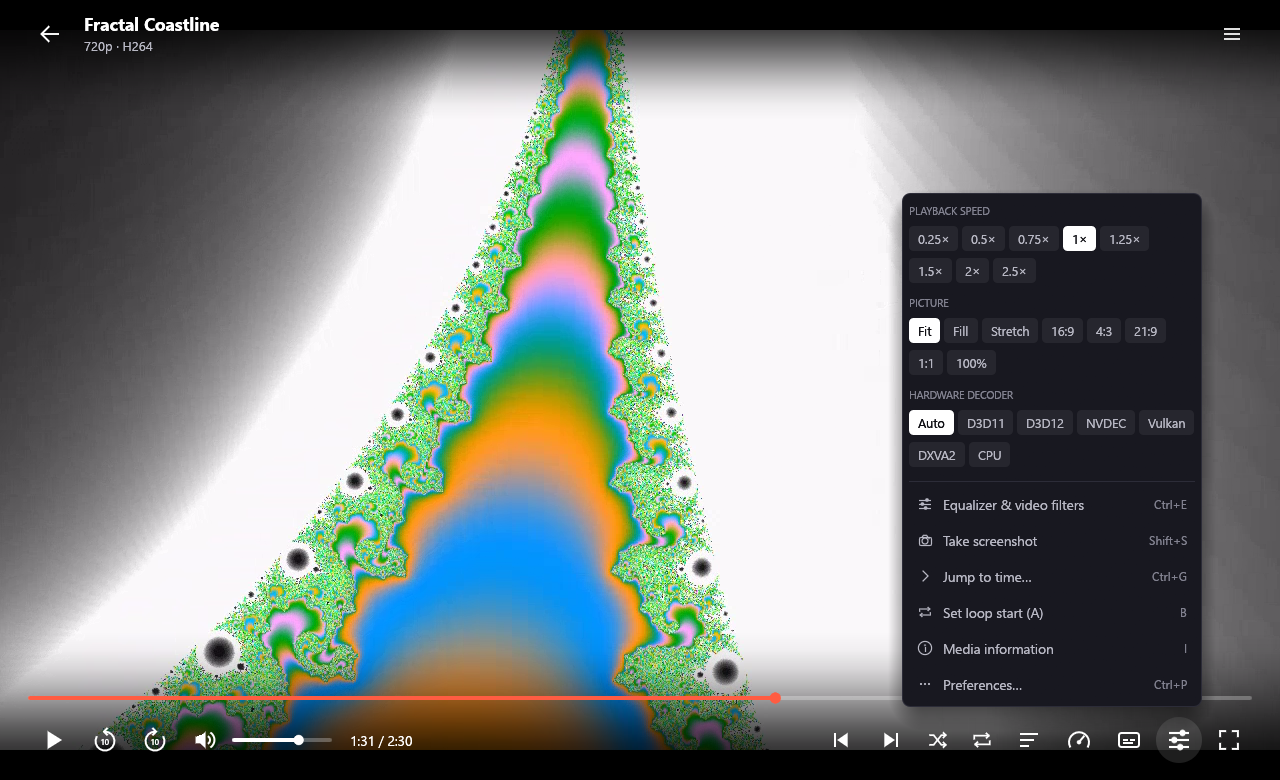
Switch on the fly between D3D11VA, D3D12VA, NVIDIA NVDEC, Vulkan Video and DXVA2, or let Auto probe your hardware and pick the best decoder, with graceful fallback to the CPU.
A WASAPI direct stream through cpal, with the audio presentation timestamp as the master clock. Video frames are throttled or caught up when load spikes, so sync holds.
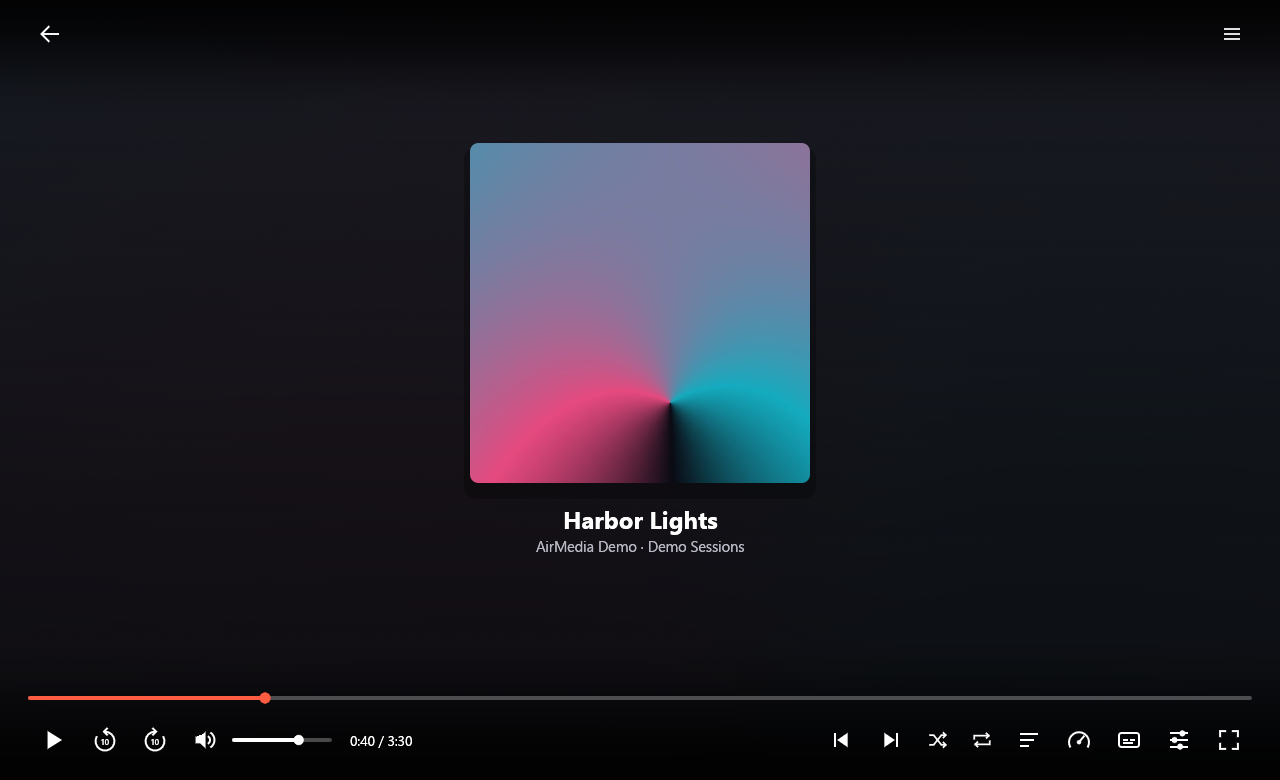
WSOLA time stretching keeps pitch natural from 0.25x to 2.5x, and a live 16-band spectrum visualizer animates in the control bar and across full-screen audio.
// COCKPIT
Two screens: a library to browse, and a player that gets out of the way.
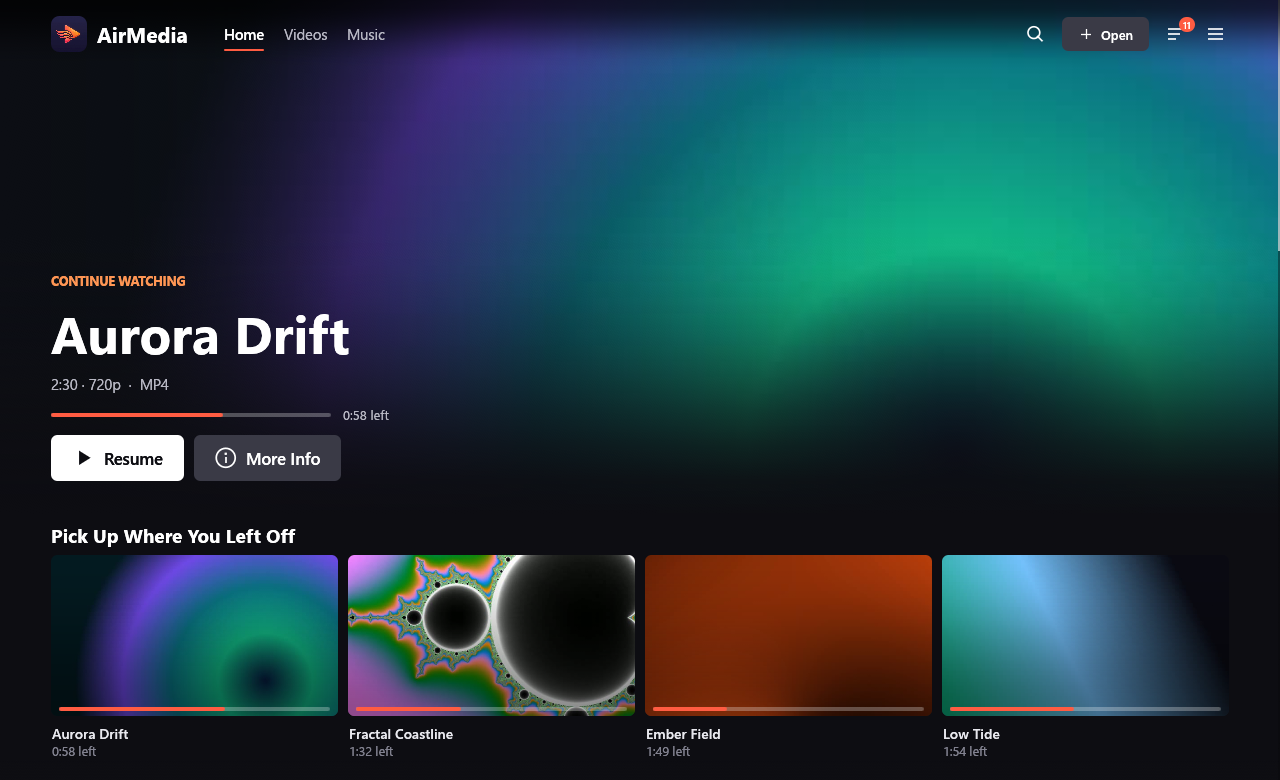
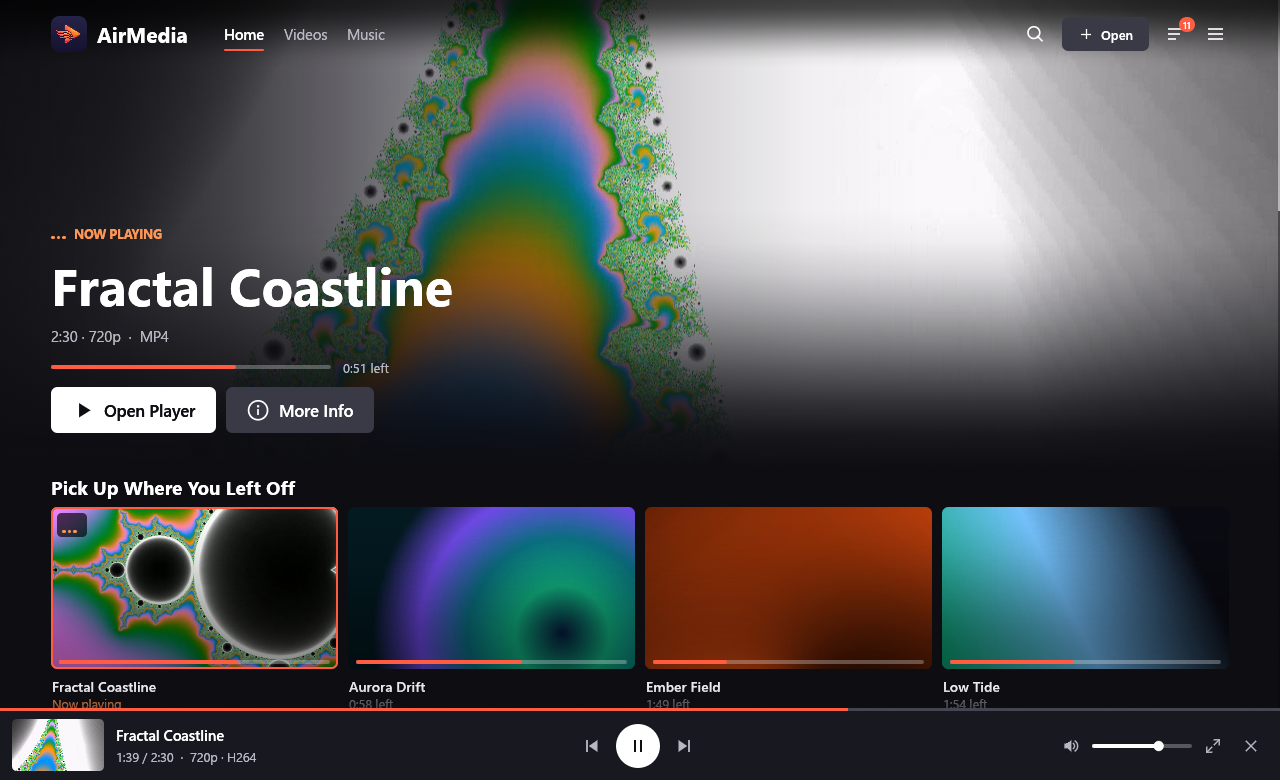
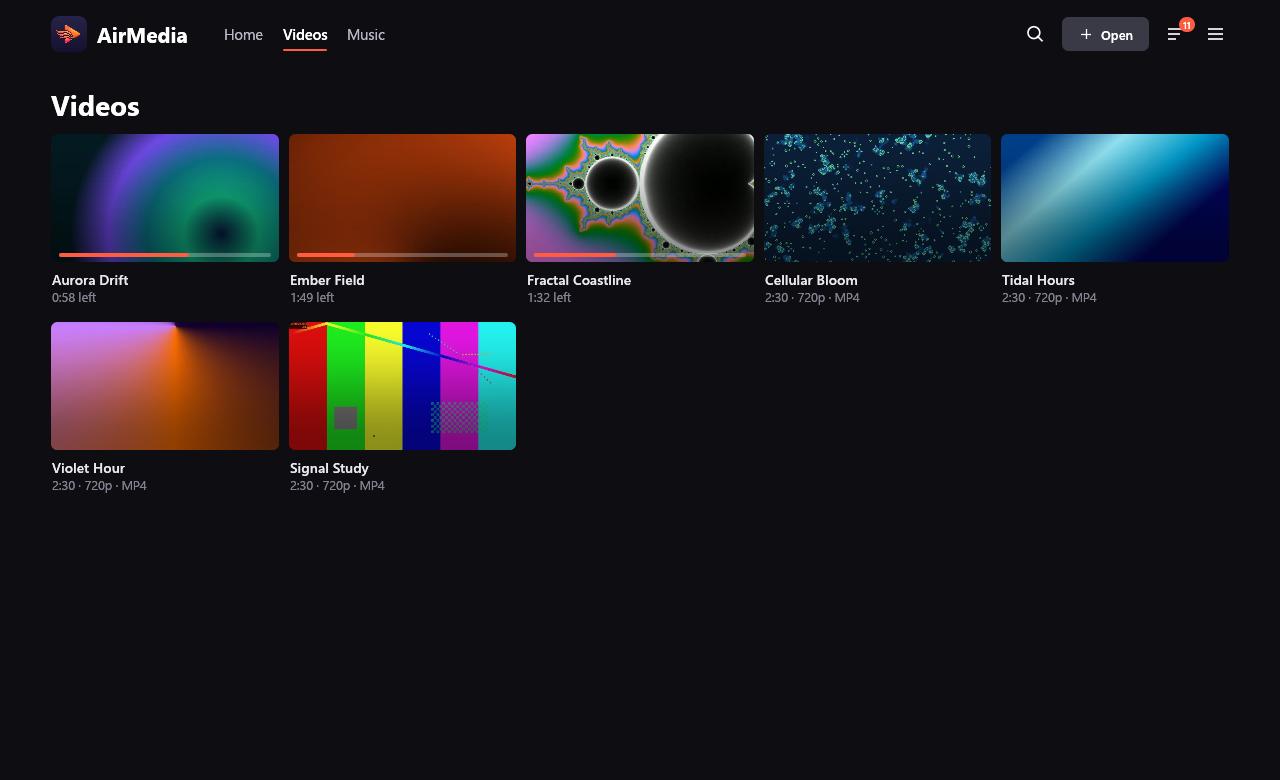
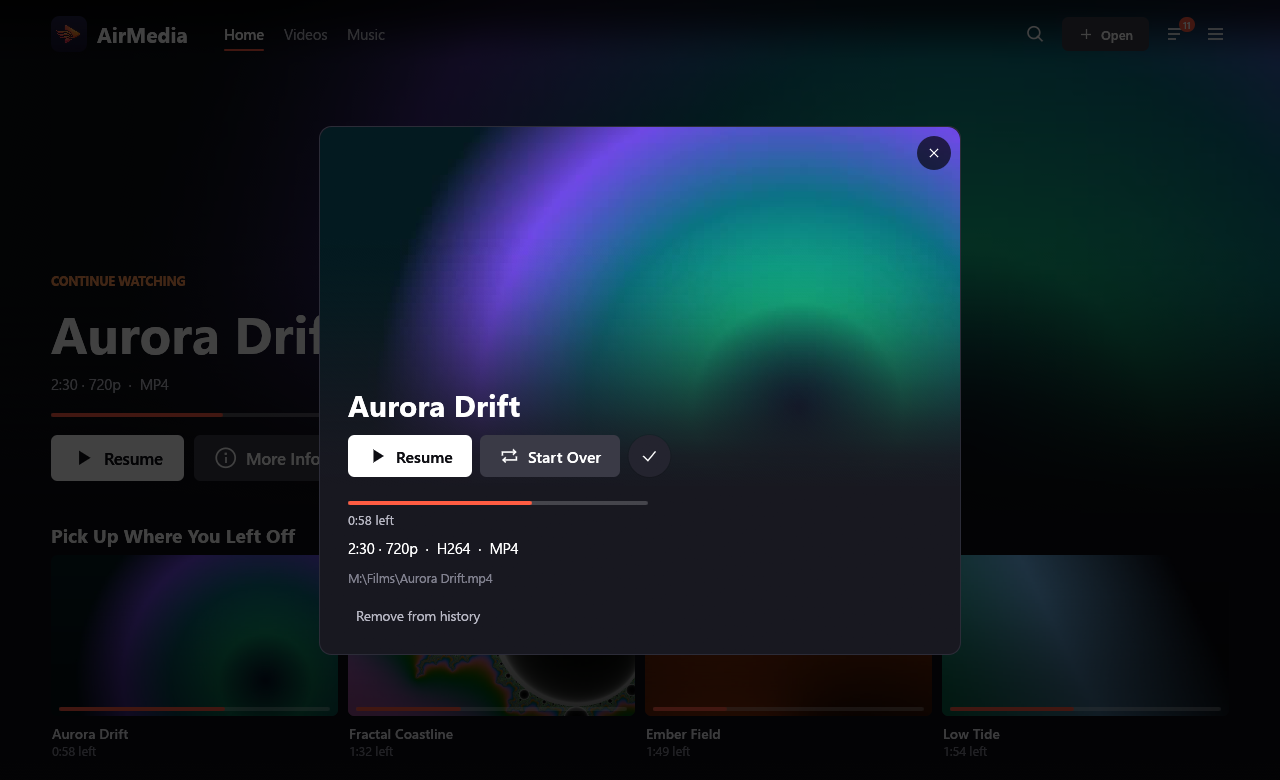
A full-bleed banner over rows for Pick Up Where You Left Off, Recently Played, Videos, Music and each of your folders, with thumbnails generated in the background and cached on disk.
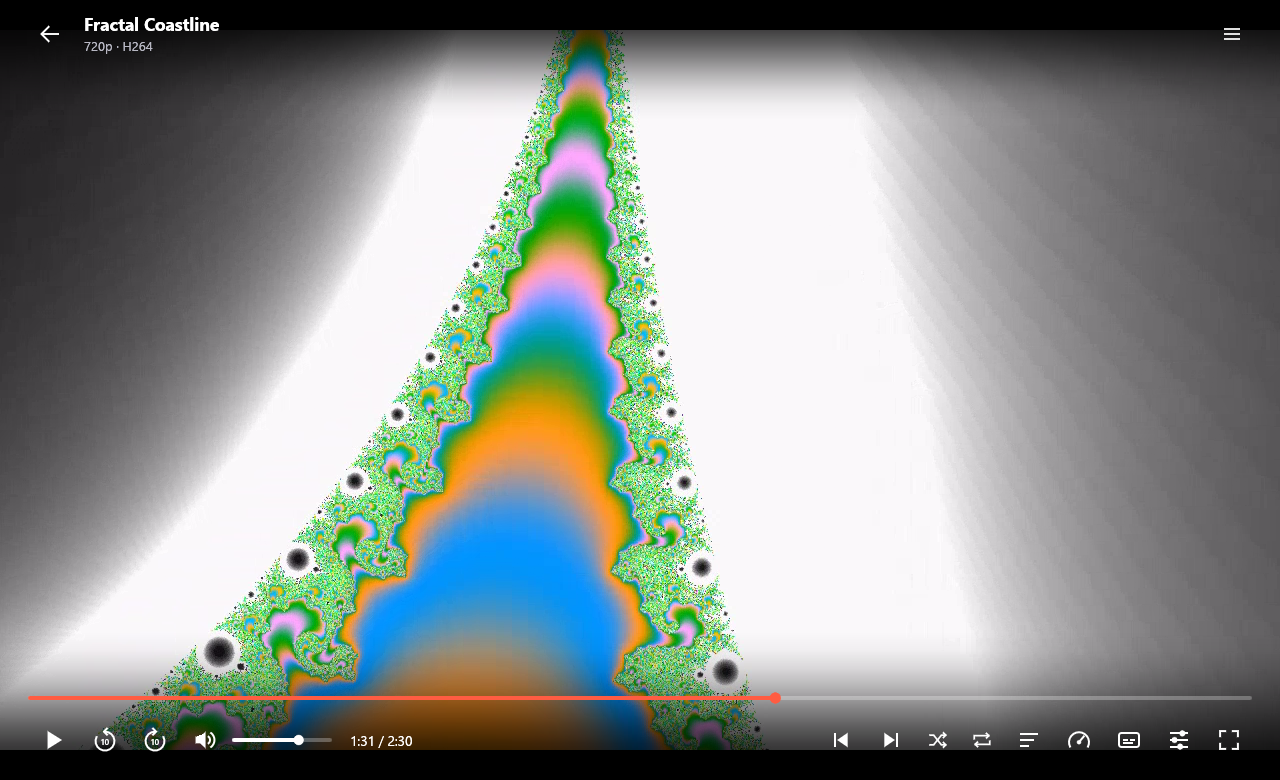
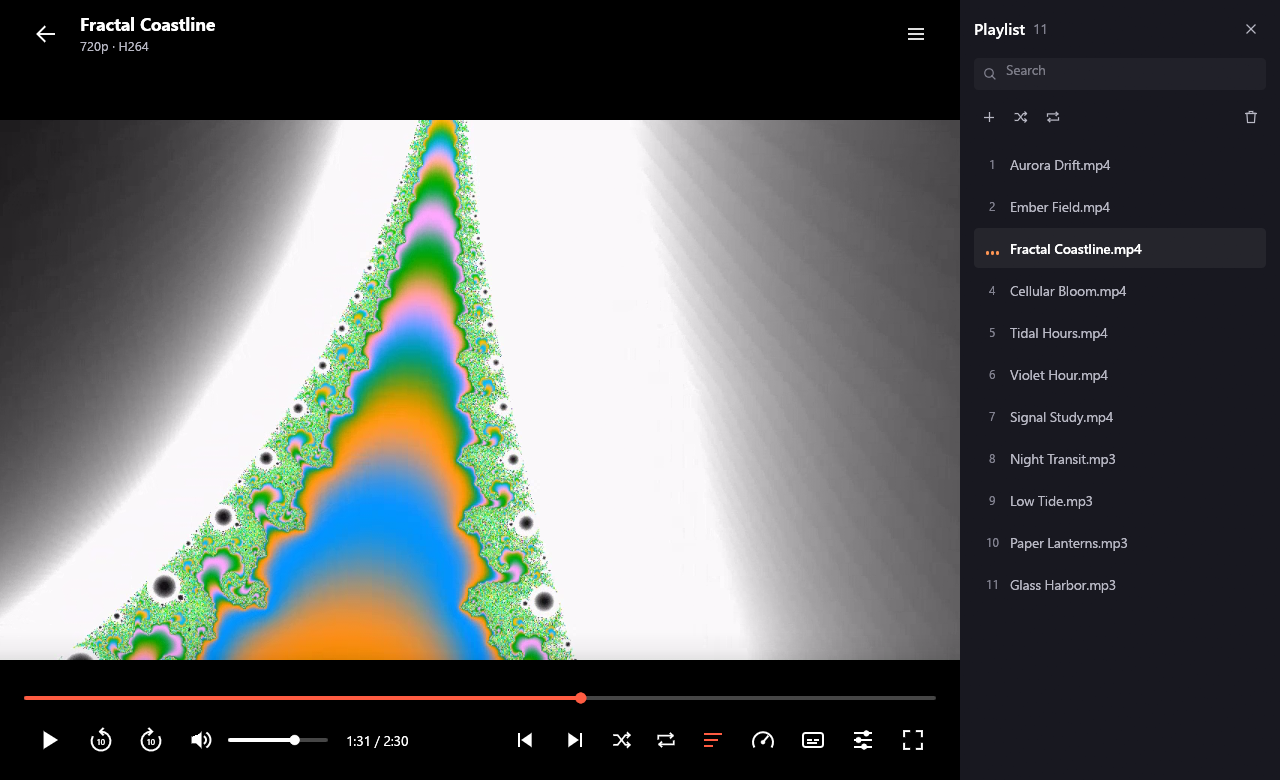
Video fills the window while controls and the cursor hide when idle. Audio tracks, subtitles, the equalizer, A-B loops and aspect ratios are all a click or a keystroke away.
Press back and playback continues in a bar under the library. The playlist drawer has search, multi-select and drag-to-reorder, and imports and saves M3U, M3U8 and PLS files.
Your playlist, recent files, equalizer settings and the position of each file come back on the next launch. Sidecar subtitles load automatically, and embedded text tracks are extracted in the background.
// SCRUTINEERING
A media player opens files from anywhere, so it is careful about what it runs and reads.
Already have FFmpeg? AirMedia finds and uses it. Otherwise the in-app downloader fetches it and checks the archive against the published SHA-256 checksum before installing.
Binaries sitting beside airmedia.exe are ignored on purpose, so an ffmpeg.exe dropped into your Downloads folder can never be executed by the player.
Media opens with an FFmpeg protocol whitelist: local files can only read local files, and network streams cannot read local files at all.
// ONBOARD CAMERA
Screens from the app, playing demo media. Select any shot to open it and zoom in.
// PIT STOP
Prebuilt releases for Windows, Linux and macOS, each with a SHA-256 checksum.
Grab the Windows installer or portable zip, the Linux x86_64 tarball, or the macOS disk image from GitHub Releases.
AirMedia detects an existing FFmpeg install. If there is none, its Codec Setup screen downloads one for you, or you can install it yourself. On Windows:
winget install Gyan.FFmpegOn Windows, this script runs the tests, compiles an optimised release and packages it.
git clone https://github.com/marwinlewis/AirMedia; cd AirMedia; .\build.ps1AirMedia is open source under the MIT licence. Try it, read the code, or open an issue.
// PIT LANE COMMS
Hiring a front-end lead, chasing a performance or SEO problem, or planning a Next.js build? Send a message. I read every one.